
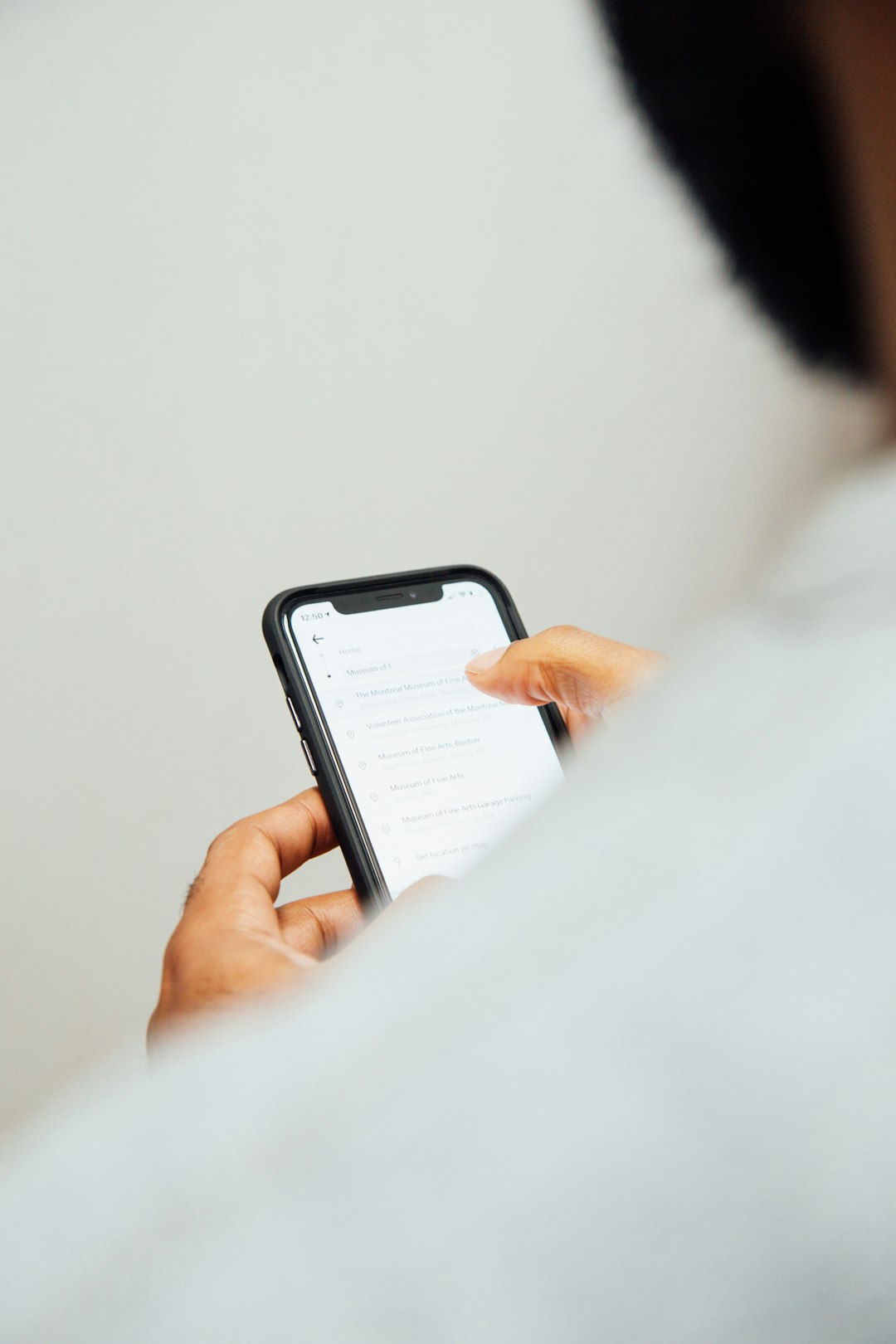
You are sitting at the kitchen table when your smartphone buzzes. You glance down and see a text message: “CVS Notice: Your prescription order #8849 is on hold due to a billing error. Please update your payment method immediately to avoid cancellation: [Link].” If you are waiting on a critical refill for heart medication or insulin, your chest immediately tightens. Without thinking, you tap the link.

In that single tap, you haven’t fixed a pharmacy error—you have just walked straight into a digital ambush.
Welcome to the world of “Smishing” (SMS Phishing). Many people have learned to be suspicious of random phone calls, but a text message that appears to come from a familiar pharmacy can feel more trustworthy, especially when it concerns a medication you depend on. Here is how this trap works, how to spot the red flags, and what to do to protect your identity and your bank account.
💡 Insider Tip: The “Numbers Game” Illusion
If you receive a text claiming to be from Walgreens, you might think, “How did they know I use Walgreens?” They didn’t. Scammers typically send the same text to huge lists of phone numbers. Because the largest pharmacy chains serve so many people, some of those messages are bound to reach actual customers purely by coincidence.
1. The Psychology of the Scam: Urgency and Fear
Scammers are master manipulators of human emotion. They know that your medication is your lifeline. By claiming your prescription is “delayed,” “canceled,” or “requires signature,” they manufacture an artificial medical emergency.
When you click the link in the text message, it does not take you to the real pharmacy’s website. Instead, it directs you to a highly sophisticated, perfectly forged “spoof” website. The fake site will display the exact logos, colors, and fonts of your trusted pharmacy. It will prompt you to enter your date of birth, your Medicare number, or your credit card information to “resolve the billing issue.”
Once you hit submit, the scammers have your data. It can be used to make fraudulent charges, to attempt medical identity theft, or be sold to other criminals.

If you ever receive a concerning text, do not click the link. Walk into your local pharmacy or call them directly to verify the status of your medication.
2. Spotting the Digital Red Flags
Fortunately, these scams are rarely perfect. If you pause for just five seconds and look closely at the text message, the facade usually crumbles. Watch for these three unmistakable red flags:
- The “Garbage” URL: Look closely at the website link inside the text message. A real pharmacy will use a clean URL (like CVS.com or Walgreens.com). Scammers use complex, jumbled links (like rx-update-portal-88.com) or URL shorteners (like bit.ly/3xYqz) to hide their true destination.
- An Unfamiliar Sender: Large pharmacy chains often send automated alerts from “short codes”—special 5 or 6-digit numbers used for business messaging—and usually from the same number each time. A message from an unfamiliar full-length phone number or an email address deserves extra caution. A short code alone does not prove a text is real, so still verify through the app or by phone.
- The Demand for Payment Details: If you have been picking up medication at your local pharmacy for years, they already have your insurance and payment profile on file. Be very wary of any text with a link demanding that you type in a full card number, Medicare number or Social Security number to release a medication.
3. The “Delete and Verify” Protocol
To protect yourself against these attacks, adopt one simple rule for your smartphone: Never log into an account by clicking a link in a text message.
The Safe Verification Checklist
-
1️⃣
Ignore the Text. Do not reply to the message. Even texting “STOP” can signal to scammers that your phone number is active, which may lead to more spam.
-
2️⃣
Use the Official App. Close your text messages. Open the official pharmacy app (which you previously downloaded securely from the App Store) or manually type the pharmacy’s real website into your browser. If there is a legitimate billing issue, you should be able to see it inside your secure account.
-
3️⃣
Call the Pharmacy. Call the local phone number printed on your prescription label. Ask the pharmacy staff, “Did you just send me a text about a delay?” If they have no record of a problem, delete the text.
4. What to Do If You Already Clicked the Link
If you clicked the link and entered your information, take a deep breath. Panic is the enemy. Act immediately to secure your assets:
If you entered a credit card or debit card number, call the toll-free number on the back of your card immediately. Tell the fraud department you fell victim to a phishing scam and need the card frozen and reissued. If you entered your Medicare number, call 1-800-MEDICARE to report that it may have been compromised and ask whether a new number should be issued. Finally, change the password to your online pharmacy account, and to any other account where you use the same password.
Over the following weeks, read your card statements, your Explanation of Benefits and, if you have Medicare, your Medicare Summary Notice for charges or services you do not recognize. Our guide to medical identity theft explains what to do if someone uses your coverage.
5. What a Real Pharmacy Message Usually Looks Like
Pharmacies do send genuine texts, which is exactly why the fake ones work. Knowing the usual pattern makes the odd ones stand out. Practices vary by pharmacy, so treat these as general signs rather than guarantees:
- You signed up for it. Refill and pickup alerts generally go only to people who opted in at the counter, in the app or online. A text from a chain you have never used is a strong warning sign.
- It tells you something; it does not ask for something. A typical alert says a prescription is ready or a refill is due. It does not ask you to enter a card number, Medicare number or password through a link.
- It matches what you already know. The store, the timing and the medication (often shown only partly, for privacy) should line up with something you actually ordered.
- There is no countdown. Real pharmacies hold prescriptions for a period of time and will talk to you about a billing problem at the counter or by phone. A threat to cancel “within hours” is pressure, not customer service.
The same habits apply to messages that claim to come from your health plan. See Is That Insurance Text Real? A 30-Second Checklist.
6. A Hypothetical Example
This example is hypothetical and is meant only to show how the decision plays out in practice.
Frank, 71, takes a daily blood pressure medication and uses a neighborhood pharmacy. On a Friday afternoon he gets a text from an unfamiliar number: his refill is “suspended” because of a declined payment, and he must confirm his card within two hours using a shortened link.
Frank notices three things. He refilled the prescription last week, so nothing should be pending. The message does not name his pharmacy’s store or his medication. And the deadline is designed to rush him. Instead of tapping the link, he calls the number on his prescription label. The pharmacy confirms there is no hold on his account. Frank forwards the text to 7726, blocks the number and deletes the message. Total time: about five minutes, and no information shared.
Now imagine Frank had tapped the link and typed in his debit card number. His next steps would be to call his bank right away, change his pharmacy password, and watch his statements closely, as described in section 4.
7. Common Mistakes to Avoid
- Calling the phone number in the text. It may connect you to the scammer. Use the number on your prescription label, your receipt or the pharmacy’s official website.
- Trusting a site because it looks right. Logos and layouts are easy to copy. The web address is what matters, and typing it yourself is safer than following a link. See how look-alike websites imitate official portals.
- Assuming a text is real because it mentions a pharmacy you use. With mass messaging, some texts will match by chance.
- Reusing one password everywhere. If a fake site captures it, every account with that password is exposed.
- Staying quiet out of embarrassment. These messages are built to fool careful people. Reporting quickly limits the damage.
- Skipping your medication while you sort it out. A scam text does not affect your real prescription. If you are unsure whether a refill is ready, ask the pharmacy directly.
8. Questions to Ask Your Pharmacy
- Am I enrolled in text alerts, and what number or short code do your messages come from?
- Do your texts ever include links, and if so, where do they lead?
- How would you contact me if there were a real payment or insurance problem with a prescription?
- Can I turn on extra sign-in protection, such as two-step verification, for my online pharmacy account?
- Who should I tell at the pharmacy if I receive a suspicious message using your name?
Frequently Asked Questions
Is it dangerous just to open the text?
Reading a text message is generally not what causes harm. The risk comes from tapping the link, entering information or installing something the page offers. If you only opened the message, delete it and move on.
I tapped the link but did not type anything. What now?
Close the page. Do not download or approve anything it prompts. It is sensible to keep your phone’s software up to date and to watch your accounts for a while, but tapping without entering information is far less serious than submitting your details.
How do I report a fake pharmacy text?
Forward it to 7726 (SPAM) so your mobile carrier can investigate, and report it to the Federal Trade Commission at ReportFraud.ftc.gov. You can also tell the pharmacy whose name was used.
Could the text be about a real prescription?
It could, which is why the safest approach is the same every time: do not use the link, and check through the pharmacy’s app, its website typed in by hand, or a phone call to the store.
Do these scams target only older adults?
No. Anyone with a mobile number can receive them. People who manage several prescriptions simply have more reasons to believe a refill alert might be real.
The Bottom Line

Scammers count on worry about your health to make you act before you think. You can take away most of their advantage by breaking the cycle of urgency. Do not let a buzzing screen dictate your actions, and treat unexpected texts that ask for payment or personal details with suspicion until you have verified them. Taking a minute to check an alert through official channels greatly improves the odds that the only thing you pick up from the pharmacy is your medication—not a stolen identity.